
Help Preserve Godly Preaching.
Browse and keep tens of thousands of revival sermons offline — and in the background, your computer quietly helps share them with believers around the world.
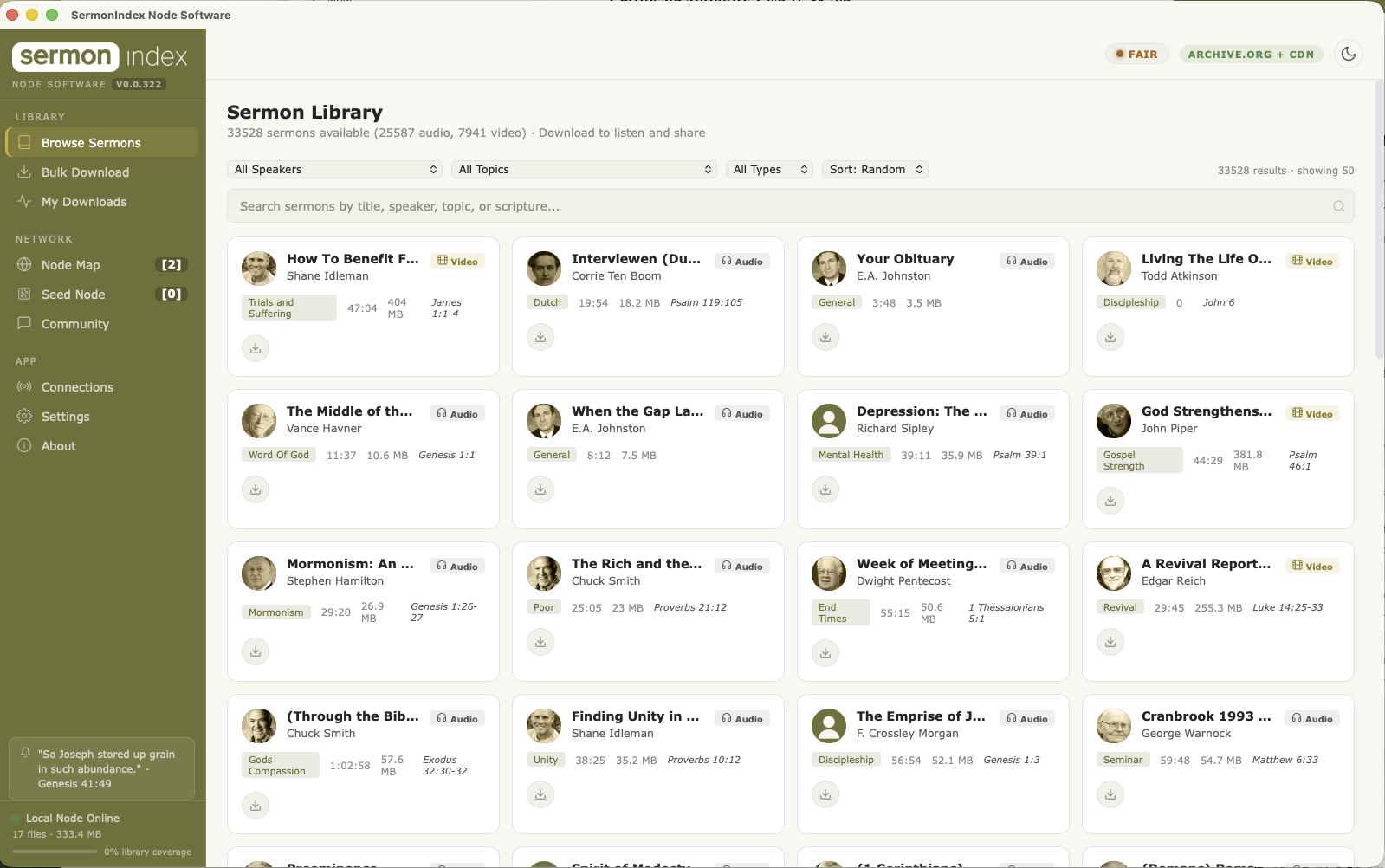
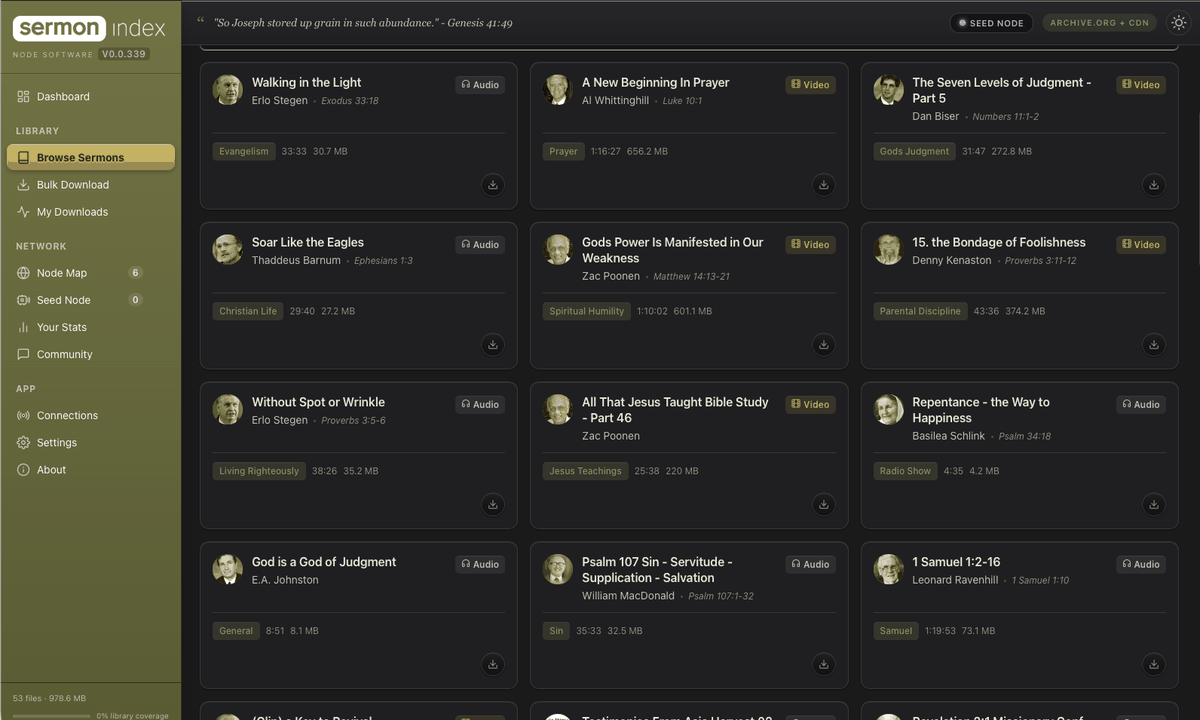
A private, decentralised, non‑censorable CDN.
Using BitTorrent and other technologies, you can take part in preserving and promoting the collection of sermons SermonIndex distributes. You download and host sermons on your own computer. It is our own CDN, built to honour and preserve godly preaching.
Every dot below is a real machine that reported in within the last quarter of an hour. Nobody is identified — a node publishes only its town and what share of the library it carries. Drag the map; hover a dot.
How it actually works.
In short: you are lending a corner of a hard drive and a little bandwidth, and in return a body of preaching gathered over twenty-five years stops being something that can be lost.
Drag the handle, or pick a step — hover a machine to see what it is
-
1
You install a small program
It runs quietly on any computer — a laptop, an old desktop, a Raspberry Pi in a cupboard. You pick how much disk space to give it. That is the whole setup.
-
2
It collects sermons
Files arrive a few at a time — from Archive.org, from our CDN, or straight from other people’s computers that already hold them. Whichever is quickest. Each one is checked against a published fingerprint before it is kept, so a damaged or altered file is thrown away rather than stored.
-
3
What you hold, you share
This is the part called BitTorrent. Your computer offers the sermons it already has to anyone else asking for them, in small pieces, directly. Nobody is downloading “from you” in any personal sense — it is the same file everyone else has, and no account or identity is attached to it.
-
4
The archive stops depending on us
Once enough machines each hold a copy, the collection no longer lives in one place that can fail, be shut off, or be quietly edited. It is in homes and churches on several continents, and every copy is the same verified set of files.
Why does this count as a backup?
A backup on one server is a single decision away from being gone — a bill, a policy, a failed drive, a court order. A backup held by fifty unrelated people in a dozen countries is not. There is no switch to throw, because there is no centre.
And why can it not be tampered with?
SermonIndex publishes a list of every file with its fingerprint — a short code that changes completely if even one byte of the audio changes — and signs that list. Every node checks each file against it. Swapping a sermon for a doctored one would break the fingerprint, and every machine on the network would reject it.
No servers in the middle. Just people.
When you download a sermon, it’s saved on your own computer — yours to keep and play offline. In the background, your app quietly offers that same file to the next person who wants it, passed straight from one computer to the next.
Everyone running the app is one node in the network. The more people who join, the safer the archive becomes: even if every website went dark tomorrow, the preaching would still live on thousands of ordinary computers around the world.
Download the Node Software
Free for macOS, Windows & Linux · No account needed · Latest version
First launch: because this is an early test build it isn’t yet code-signed, so your system shows a one-time warning.
• macOS: right-click the app → Open. If it says “damaged,” run once in Terminal: xattr -cr "/Applications/SermonIndex Node Software.app"
• Windows: “More info” → “Run anyway”.
• Linux (AppImage): chmod +x then run.
Hold a complete backup of over 25,000 sermons.
SermonIndex is built on a peer-to-peer network where every user helps share sermon content. Regular users share the sermons they’ve listened to. Seed nodes go further — they download and serve a large portion of the whole library so it can never be lost.
Run a seed node with no desktop at all.
One small command-line program turns a Raspberry Pi, an old laptop, a NAS or a server into a full node — downloading, verifying, holding and sharing the archive around the clock, with a live dashboard you can put on any screen.
curl -fsSL https://sermonindex4.b-cdn.net/node-cli/install.sh | bash
Detects your machine, verifies the published SHA‑256 before installing anything, and sets it up to run at boot. Prefer to read it first? curl -fsSL …/install.sh -o install.sh then run it.
Install
Any always-on computer works. Nothing to configure first — it picks up sensible defaults and starts.
curl -fsSL https://sermonindex4.b-cdn.net/node-cli/install.sh | bashOr from a downloaded build, if you would rather fetch the file yourself:
tar -xzf sermonindex-node-*.tar.gz
cd sermonindex-node
bash build-and-install.sh
That compiles the node, installs it to /usr/local/bin, and registers a service that starts on boot and restarts on its own. To keep the library on a big drive:
STORAGE=/mnt/library bash build-and-install.shCommands
Run sermonindex-node help for the full reference.
sermonindex-node [COMMAND] [OPTIONS]

COMMANDS
  start      Download + seed + heartbeat + dashboard (default)
  status     Node id, scope, paths, cache state
  seed       Request or check full-archive access
  verify     Audit every file against the signed
             master list, then report coverage
  version    Print the version
  help       Full reference

START OPTIONS
  --scope <audio|full>  audio ~400 GB (default)
                        full  ~2.4 TB (adds video,
                        needs approval — see below)
  --dir <path>          Library storage directory
  --no-download         Seed what is on disk only
  --no-dashboard        Skip the local web dashboard
  --no-heartbeat        Do not announce to the map

EXAMPLES
  sermonindex-node start
  sermonindex-node start --dir /mnt/library
  sermonindex-node start --no-download   # pure mirror
  sermonindex-node verify
The full archive
Audio — about 400 GB, over 25,000 sermons — needs no permission at all. Install it, run it, and you are mirroring the archive. That is the version we most want in as many hands as possible.
The full archive adds video and comes to roughly 2.4 TB, so access is granted per machine by a person. Ask for it from the node itself:
sermonindex-node seed request --email you@example.com
sermonindex-node seed status
Once approved, the node switches itself to full scope on its next hourly sweep — no restart and no reinstall. A node that asks for --scope full without approval starts in audio scope rather than refusing to run, and keeps seeding everything it already holds.
Settings
Everything lives in ~/.sermonindex/settings.json, shared with the desktop app. Set once and it is remembered across upgrades.
{
  "storage_dir": "/mnt/library",
  "seed_scope": "audio",
  "upload_limit_enabled": false,
  "upload_limit_kbps": 0
}
A dashboard on any screen
Every node serves a live dashboard on port 8137 — four screens covering the world map, the network, this node, and the hardware. Open it from any browser:
http://<node-ip>:8137/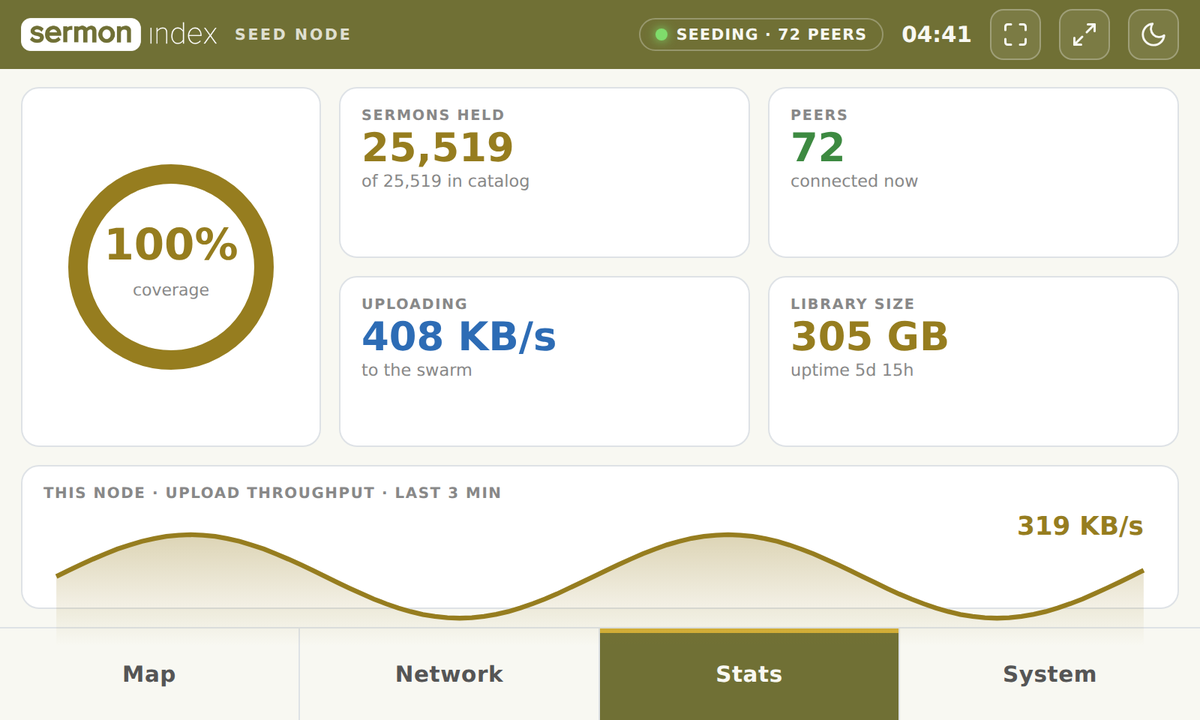
For a dedicated display — a small touchscreen on a Pi, or an old laptop given a second life — point a kiosk browser at it and leave it running.
# Raspberry Pi touchscreen (800×480)
cog --fullscreen "http://localhost:8137/?view=compact"

# old laptop or spare monitor, full screen
cog --fullscreen "http://localhost:8137/"
?view=compact renders the native 800×480 layout for small panels; leave it off and the page scales to fill a larger screen. Chromium works too — chromium --kiosk "http://localhost:8137/" — or just press F11 in any browser.
Being reachable
BitTorrent listens on TCP 42800–42839, dual-stack, trying UPnP and NAT-PMP automatically. With native IPv6 — common on most fibre and Starlink — a node is reachable with no port forward at all. On IPv4 behind NAT, forward TCP 42800 to show as a reachable node on the map.
Running as a service
The installer registers it with systemd, so it comes up on boot and restarts itself.
systemctl status sermonindex-node
journalctl -u sermonindex-node -f     # live progress
sermonindex-node status